3 min read
A Swift package for the private API behind iMessage confetti

Where it started
I’ve been working on Bank Bonus Tracker, and the latest thing was a share card. After you get a bonus paid, the app now offers a card you can share, and it shows up alongside the confetti the app already had.
I sent a screen recording of it to a friend who’s new to iOS. They had a bunch of questions, so I started explaining how it all worked.
The idea
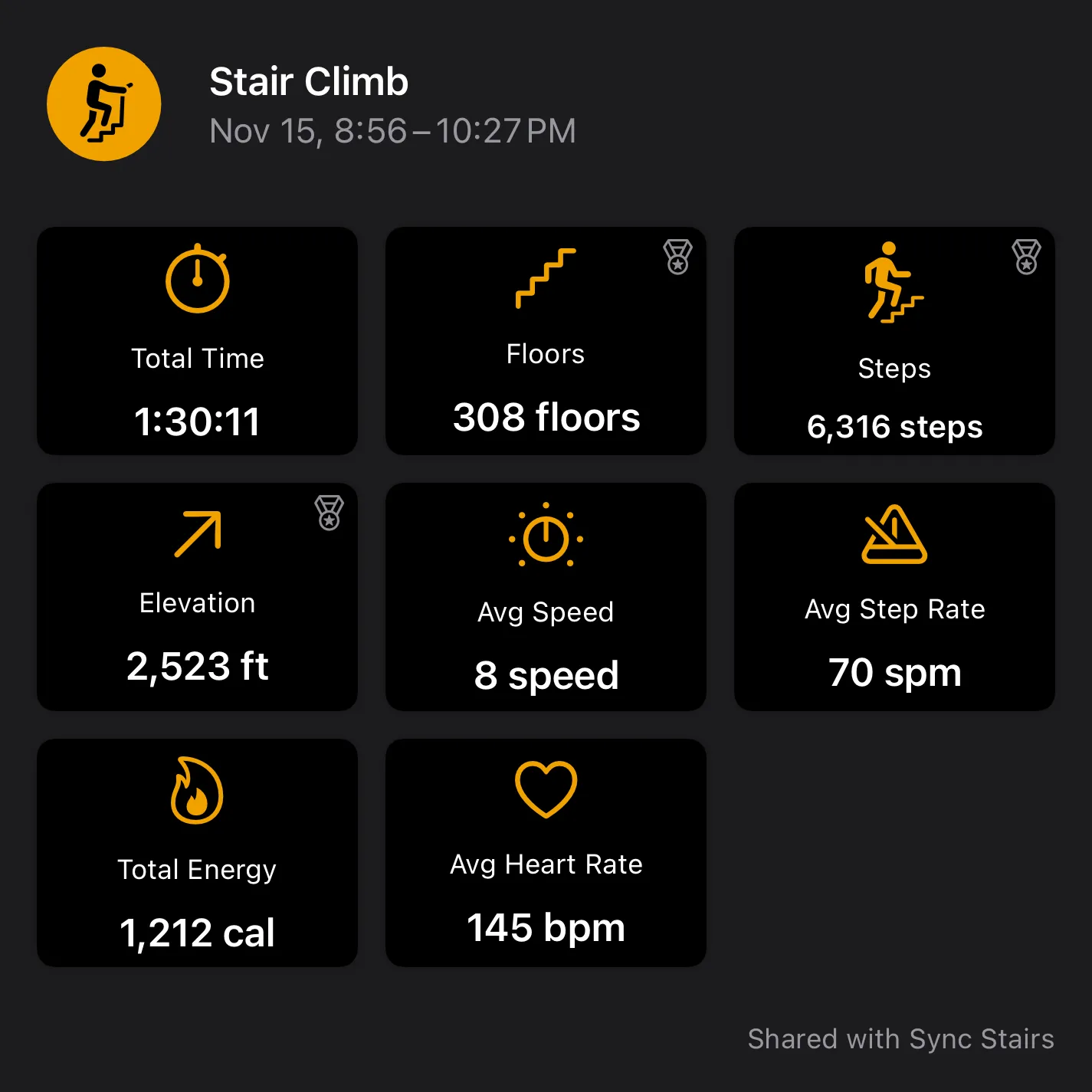
Later that night I was on the stair climber, using Sync Stairs, when I started thinking about confetti. Somewhere along the way, that turned into an idea for a small Swift package, and I spent the rest of the climb working through it in my head.1
An hour later, Claude and I had EmitterBehaviors.
What it is
EmitterBehaviors is a friendly Swift API for CAEmitterBehavior, the private Core Animation class behind iMessage confetti.
There’s no public header for it and no documentation. It’s all strings and key-value coding, so I leaned on two great write-ups by Bryce Bostwick, CAEmitterBehavior and Recreating iMessage Confetti. I also asked the runtime itself what it supports, which turned up a few behavior types and parameters that those posts don’t cover.
Each kind of behavior is its own Swift class, configured the same way you’d configure a CAEmitterCell:
let sway = WaveBehavior()
sway.force = [100, 0, 0]
sway.frequency = 0.5

let attractor = AttractorBehavior()
attractor.stiffness = 5
attractor.radius = 300
attractor.falloff = -290          // negative repels

layer.emitterBehaviors = [sway, attractor, DragBehavior()]

// Animate a parameter with a compiler-checked key path. No strings.
let relax = CABasicAnimation(keyPath: attractor.keyPath(for: \.stiffness))
A few things I like about how it came out:
- Behaviors are live. Change a property after you’ve attached it and the layer sees it.
nilmeans “use the system default”. Every property is optional, and setting one back tonilclears it.- It fails quietly. The class is found by name at runtime. If an OS doesn’t have it, the properties are harmless no-ops.
- It’s tested. The tests compare the package against what the runtime reports, so if Apple changes something it fails loudly instead of quietly doing nothing.
There’s also a full recreation of the iMessage confetti burst in the documentation, built with the package.
Things worth knowing
- This is private API, so there’s no promise from Apple that it keeps working, and it could be a problem for App Review.2 If you use it, I’d put it behind a flag or
#if DEBUG. - Four of the behaviors (the simple attractor, light, and the two “over distance” ones) do nothing until
falloffis set to a large value, around 500. Atfalloff0 they look exactly like they’re turned off. That one took me a while to figure out.
Try it
.package(url: "https://github.com/Rspoon3/EmitterBehaviors", exact: "1.0.0")The code is at github.com/Rspoon3/EmitterBehaviors. Enjoy.